
Download WebEditor – web editor, HTML editor, WYSIWYG editor, web development, website builder
Overview
WebEditor is a mobile application designed to empower users with the tools necessary to create and manage webpages directly from their Android devices. Its dual-mode interface—combining WYSIWYG (What You See Is What You Get) editing with pure HTML code access—makes it a versatile solution for both novice and experienced developers. The app addresses the growing demand for accessible web creation tools on mobile platforms, allowing users to design, test, and publish websites without relying on desktop environments. It is particularly useful for individuals who need to make quick edits, manage personal blogs, or prototype web content on the go.
Target users include students, freelancers, educators, and hobbyists who require a lightweight yet functional tool for web development. The app’s built-in publishing capabilities and cross-browser compatibility testing support real-world workflows, such as preparing responsive layouts for client projects or ensuring content displays correctly across devices. Although the developer did not provide additional background information, the app’s long-standing presence since 2012 suggests a stable, enduring utility within the mobile productivity ecosystem.
WebEditor fills a niche in the mobile app market by offering a compact, focused tool for web creation, contributing to the broader trend of mobile-first content development. Its ability to function as both a learning aid and a practical development tool underscores its relevance in today’s digital landscape.
Key Features & Functionality
- WYSIWYG Editing: The app provides a visual interface that allows users to design webpages in real time, without writing code. This is ideal for beginners who want to build simple websites using drag-and-drop elements and intuitive formatting tools. For example, a student can create a class project page by selecting templates, adding text, and adjusting layouts visually.
- HTML Editing Support: Experienced users can switch to a pure HTML editor to write and modify source code directly. This feature supports precise control over structure and styling, enabling advanced customization. A freelance developer, for instance, might use this mode to fine-tune a responsive layout or integrate custom scripts.
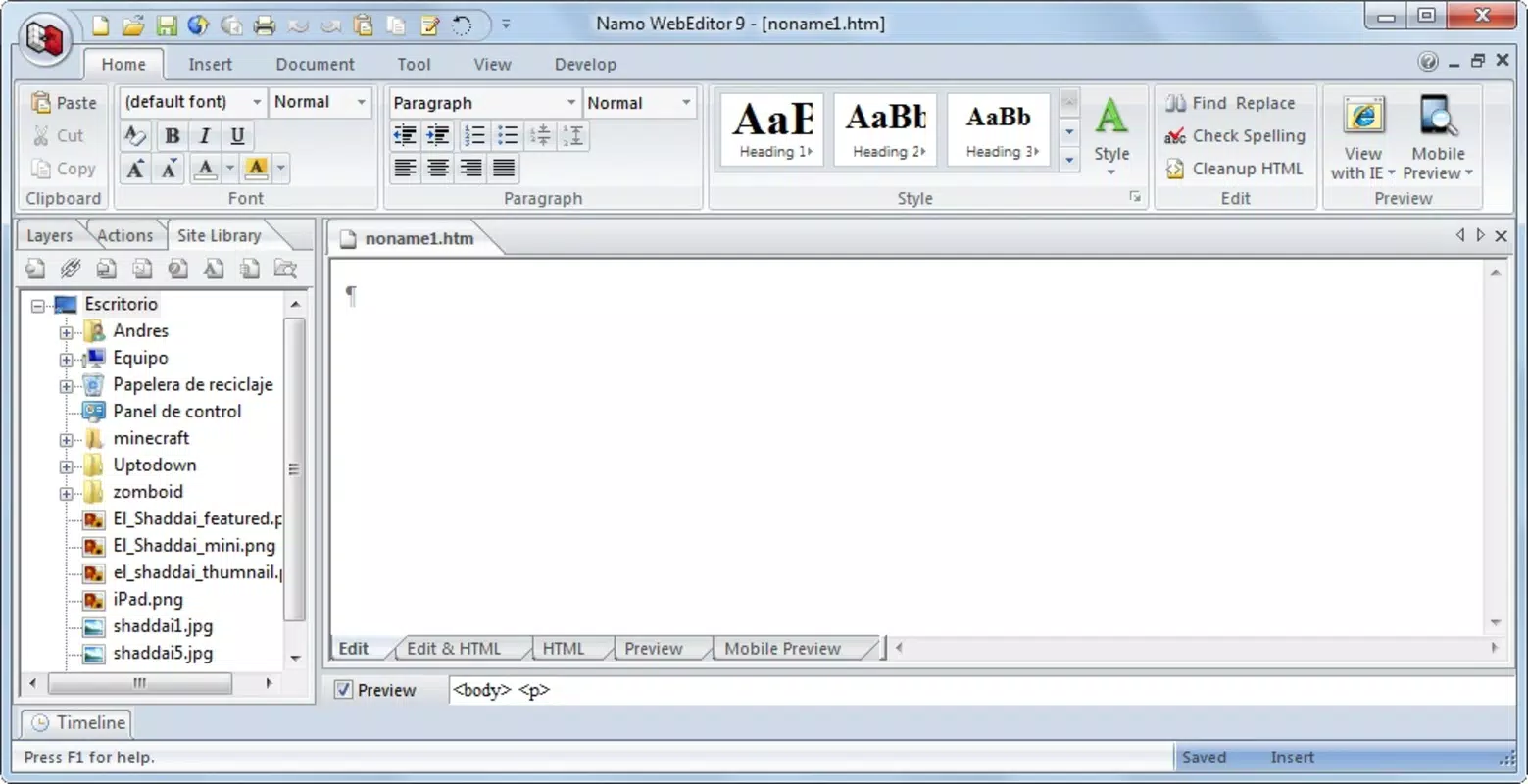
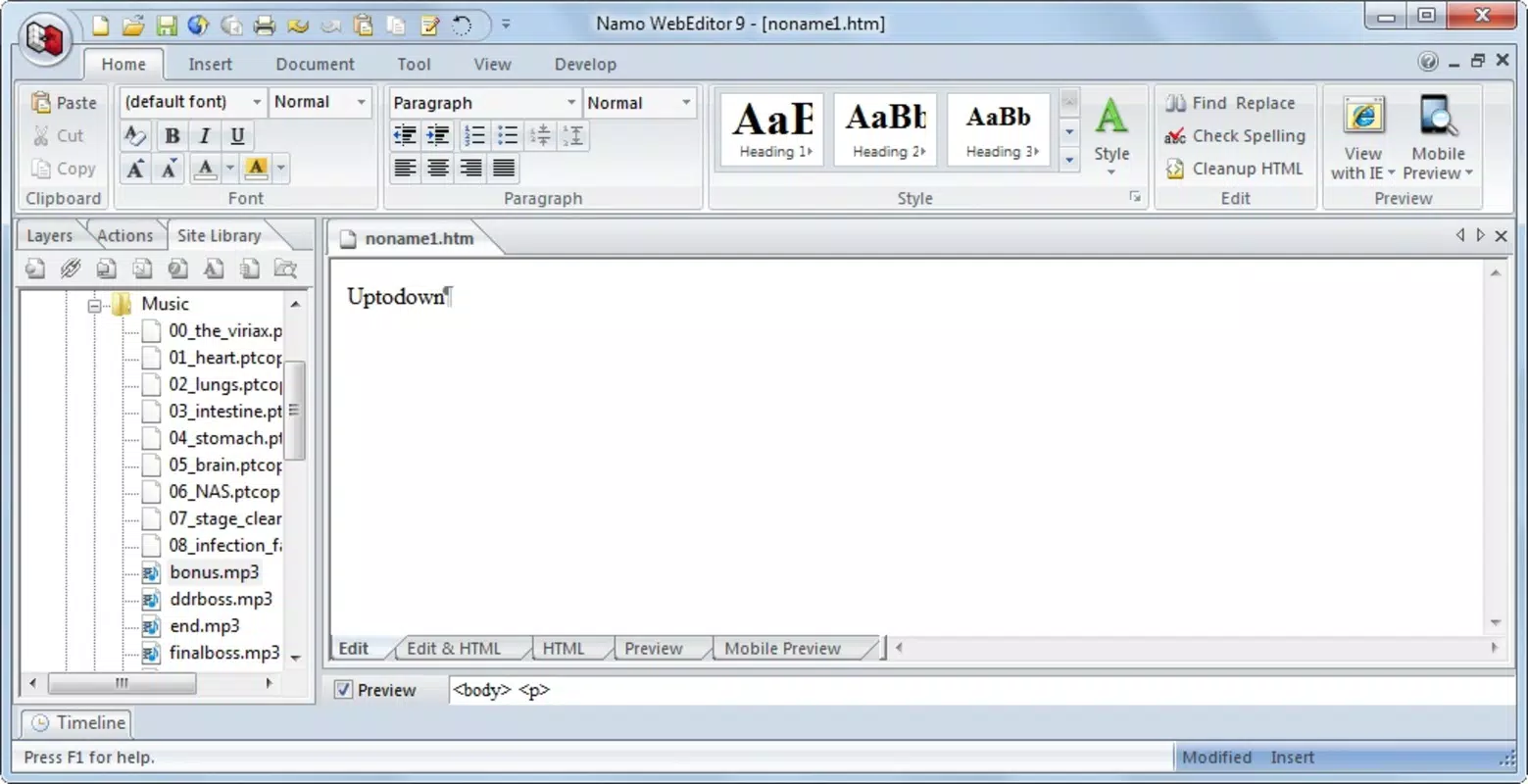
- Organized Interface: The app features a tab-based layout with custom toolbars tailored to each editing mode. This structure helps users stay focused on their current task, whether they’re designing a page or debugging code. The workflow is designed to be step-by-step, reducing cognitive load during complex edits.
- Built-in Publishing Tool: WebEditor includes functionality to publish webpages directly to online platforms. With FTP support, users can upload files to remote servers without switching to external tools. This streamlines the deployment process, especially for users managing personal websites or small business pages.
- Cross-Browser Compatibility Testing: The app allows users to test how their webpage renders across different browsers and mobile devices. This ensures that content appears consistently and functions properly, a critical aspect of modern web development. A content creator can use this feature to verify that their site works on both Android and iOS devices before finalizing a project.
Interface, UX & Performance
The interface of WebEditor is structured around a tabbed navigation system, with dedicated toolbars for each editing mode. The visual layout emphasizes clarity and task separation, allowing users to toggle between WYSIWYG and HTML views seamlessly. While the initial setup may appear dense to new users, the consistent placement of tools and functions promotes long-term usability. The app’s design prioritizes efficiency, minimizing unnecessary steps in the editing workflow.
Navigation is straightforward, with clear labels and logical grouping of features. The responsiveness of the interface is consistent across various Android device categories, though specific performance metrics were not provided. Although the developer did not list formal performance metrics, the app’s lightweight size of 4.5 MB suggests optimized resource usage, which likely contributes to smooth operation on mid-range and older devices.
Stability appears to be a core strength, given the app’s availability since 2012. The absence of reported crashes or major bugs in public records indicates reliable operation over time. Users can expect consistent performance during editing, testing, and publishing tasks, making it a dependable choice for mobile web development.
Platform Compatibility & Technical Requirements
WebEditor is available exclusively on the Android platform. The app requires Android OS, though the specific minimum version was not disclosed by the developer. The application size is 4.5 MB, which is relatively small and indicates efficient code structure and minimal dependencies. This compact footprint makes it suitable for devices with limited storage capacity.
Given its release date in 2012, the app likely supports older Android versions, but compatibility information was not fully disclosed. Users should verify system requirements through official channels before installation. The developer did not specify additional technical requirements, such as RAM or processor specifications.
As a free application, WebEditor offers access to core web development tools without cost, enhancing its accessibility for students and budget-conscious users.
Pros and Cons
- Offers both WYSIWYG and HTML editing modes for flexibility
- Includes built-in publishing and FTP support for seamless deployment
- Features cross-browser compatibility testing within the app
- Lightweight size (4.5 MB) ensures compatibility with older devices
- Free to download and use, with no in-app purchases
- Specific OS version requirements were not listed
- Interface may feel overwhelming for complete beginners
- No official update frequency or release notes provided
- Developer background and support channels were not disclosed
- Limited visual feedback or preview enhancements in the WYSIWYG mode
FAQ
Is WebEditor available for iOS devices?
As of the current information, WebEditor is only available on the Android platform. There is no official iOS version listed.
Can I publish my website directly from the app?
Yes, WebEditor includes a built-in publishing tool with FTP support, allowing users to upload their webpages directly to a remote server.
Does the app support responsive design testing?
Yes, the app enables users to test how their webpage appears across different browsers and mobile devices, ensuring compatibility and responsiveness.
Is WebEditor safe to download and install?
WebEditor is a free mobile app with no reported security issues. It is recommended to download from official app stores to ensure authenticity and integrity.
How often is WebEditor updated?
The developer has not disclosed the update frequency or release schedule. Users should check the app store for the latest version.
Final Thoughts
WebEditor stands out as a rare mobile tool that successfully bridges the gap between visual design and code-level control. Its dual editing environment caters to a wide spectrum of users—from beginners learning the basics of web development to experienced developers needing a portable solution. The inclusion of publishing tools and compatibility testing adds significant value, streamlining the entire web creation workflow.
While the app lacks detailed documentation and modern UI polish, its core functionality remains robust and purpose-driven. For users seeking a lightweight, free, and capable web editor on Android, WebEditor delivers tangible utility. Its long-standing presence in the market speaks to its reliability and enduring relevance.
Download WebEditor now


